Local Services Ads vs Google Ads vs Meta Ads for Tampa Bay contractors
Local Services Ads vs Google Ads vs Meta ads: what each does for a Tampa Bay contractor, what each hides, and how to split your first ad dollars.
By Ryan McKeel · JUICED Media, Clearwater FL
The short answer
Use Local Services Ads when a homeowner needs you now. Use Google Ads when you want control over which searches and pages you pay for. Use Meta ads to show your work and follow up with people who already looked at you.
If you can only fund one, match it to how your customer buys. A burst pipe in Largo is a search. A pool remodel in Palm Harbor is a long decision. They need different ads.
Local services ads vs Google Ads vs Meta ads at a glance
| Local Services Ads | Google Ads (search) | Meta (Facebook and Instagram) | |
|---|---|---|---|
| Who sees it | Someone searching right now | Someone searching right now | Someone scrolling |
| You pay for | A lead (call or message) | A click | Impressions and clicks |
| Your control | Low: budget, service area, hours | High: keywords, copy, pages, bids | High: audience, creative, placement |
| Trust signal | Google Guaranteed badge | Your ad copy and page | Your video and photos |
| Best for | Emergency and repair work | Scheduled and larger jobs | Showing work, retargeting |
| Weak spot | Little control, shared pool of leads | Needs a good landing page | Cold audiences are not shopping |
Treat the table as the shape of each tool, not a promise. Your results depend on your trade, your reviews and how fast you pick up the phone.
Local Services Ads: the fast, narrow option
Local Services Ads sit above regular search results. Google verifies your license, insurance and background before you can run them, and the badge helps a nervous homeowner pick up the phone.
You pay when a lead arrives, not when someone taps. That feels safe. It is mostly safe.
Here is the argument against them. You do not pick the keywords. Google decides which searches match your category. You cannot send people to a page you built for a specific job. And the leads land on every verified pro in your area at the same speed.
So the winner is usually the contractor who answers first. If your phone goes to voicemail, you are paying to lose. We cover that problem in speed to lead for contractors.
Local Services Ads fit plumbers, electricians, HVAC techs and roofers doing repairs. See how we set them up on our Google Local Services Ads page.
Google Ads: the control option
Google Ads search campaigns let you choose the words. You can bid on "tankless water heater install Clearwater" and ignore "free plumbing tips." You can send each search to a page that matches it.
That control is the whole point. It is also the whole risk. A campaign pointed at a weak page burns money on clicks that never call. We wrote about that in landing page vs homepage for paid traffic.
Google Ads works well for jobs people research: panel upgrades, repipes, HVAC replacement, roof replacement. Those are bigger tickets, so a higher cost per lead can still make sense. A Tampa roof replacement runs roughly $13,500 to $30,000, so one booked job can cover a lot of clicks.
For the electrician version of this, read Google Ads for electricians. Or see our Google Ads management service.
Meta ads: the work-showing option
Nobody opens Instagram looking for a roofer. So Meta does not catch demand the way search does. It creates attention and keeps you in front of people.
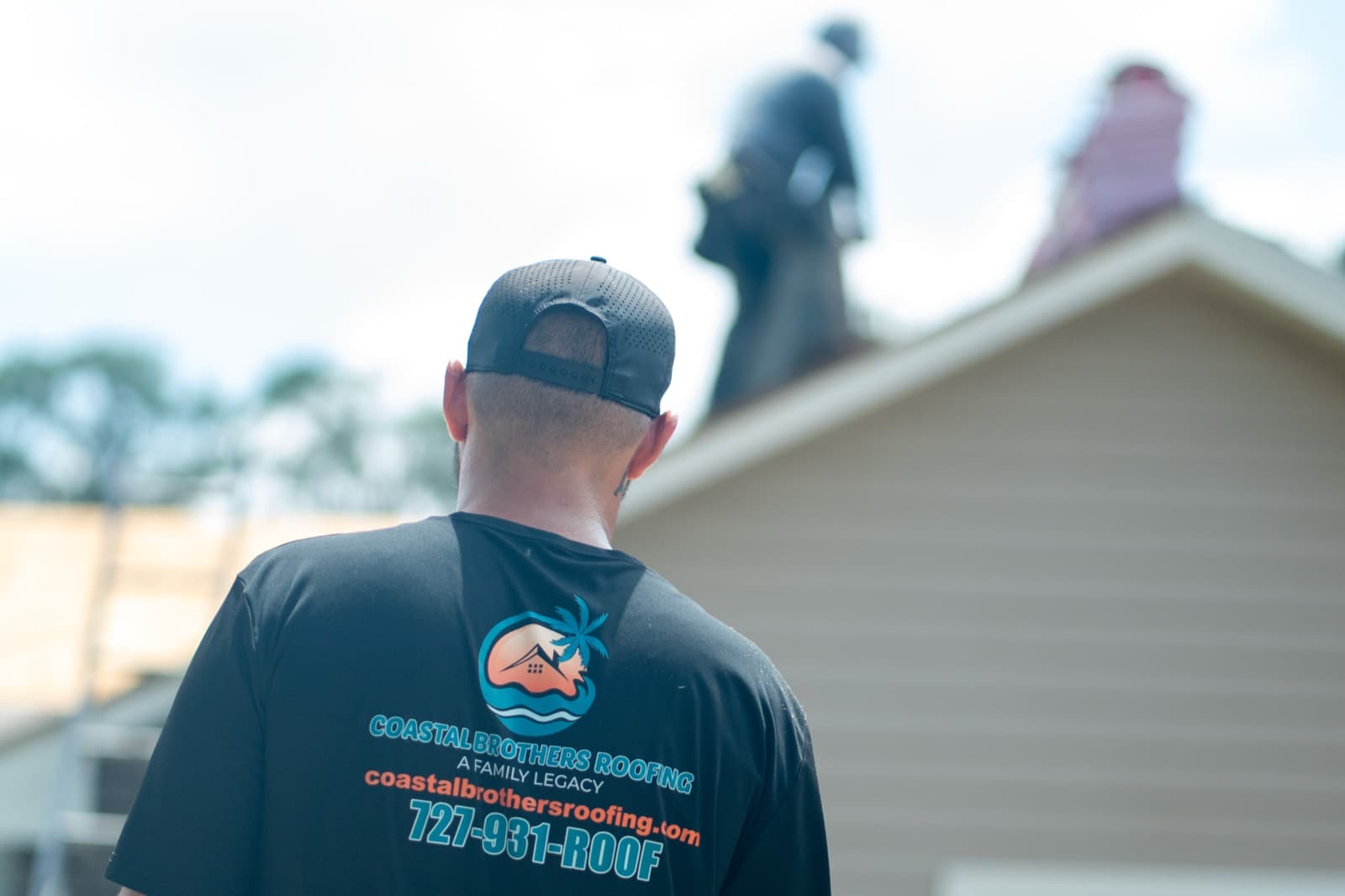
That is why it pairs well with video. A short clip of a finished roof or a pool going in does more than a text ad. For one roofing client, Coastal Brothers Roofing, we spent $896.39 over 30 days. That brought 2,401 landing page views at $0.37 each, 134,092 impressions and 83,195 people reached. The client booked five or more roofs in that window.
Notice what that number is. It is cost per landing page view, not cost per signed job. Do not confuse the two.
Meta has one more job that search cannot do. It can retarget people who visited your site or watched your video. Meta documents how in its custom audiences help. See our Meta ads for contractors page for how we run it.
What each channel hides
Every dashboard shows you its best number. Here is what to look past.
- Local Services Ads: a low cost per lead can hide a low booking rate. Count the booked jobs.
- Google Ads: a click is not a lead. Check calls and forms, not traffic.
- Meta ads: reach and views feel good. They are not calls.
- All three: a lead you call back in six hours is a worse lead than one you call in six minutes.
Track every lead to a job. A simple CRM does this. Our CRM setup work exists for that reason.
How to split your first ad dollars in Tampa Bay
Start with the season. Tampa Bay hurricane season runs June 1 to November 30, according to NOAA, and storms send a spike of roofing, tree and water damage calls. Snowbirds fill Pinellas and Hillsborough counties from October through April, which lifts pool, HVAC and remodel demand into March. Summer heat drives AC repair. Winter is slower for many trades.
Here is a starting split. Treat it as example math, not a rule.
| Your situation | Lead with | Add after 60 to 90 days |
|---|---|---|
| Emergency trade (plumber, HVAC repair) | Local Services Ads | Google Ads on high-value jobs |
| Scheduled trade (electrician, re-pipe, panel) | Google Ads | Local Services Ads |
| Big-ticket trade (roofer, pool builder) | Google Ads plus Meta video | Retargeting on Meta |
| New contractor, thin reviews | Local Services Ads | Meta to build recognition |
Now argue the other side. "Why not all three on day one?" Because you will split a small budget into pieces too thin to read. Pick one, learn from it, then add the next.
Which one is right for you
Ask three questions. Does the customer need you today? Is the job large enough to justify a higher cost per lead? Do you have video and a page worth sending people to?
If you are in Clearwater or St. Petersburg and not sure, send us your trade and your monthly budget through the contact page. We will tell you which channel to start with and what to skip. No pitch deck, just a straight answer. You can also see how we work with contractors in Tampa Bay.
Questions people ask about this
- Are Local Services Ads better than Google Ads for contractors?
- They are simpler, not always better. Local Services Ads charge per lead and show a Google Guaranteed badge, so they suit emergency and high-intent work. Google Ads gives you control over keywords, pages and bids, which matters for bigger or scheduled jobs.
- Do Meta ads work for home service contractors?
- Yes, but for a different job. People on Facebook and Instagram are not searching for a roofer or pool builder. Meta works for showing finished work, building recognition and retargeting people who already visited your site.
- How much should a contractor spend on ads to start?
- Start with a budget you can hold for at least 60 to 90 days, and track every lead to a booked job. Cost per lead alone misleads. A cheap lead that never books costs more than an expensive one that does.
- Should a Tampa Bay contractor run all three at once?
- Not at the start. Begin with the channel that matches how your customer buys, usually Local Services Ads or Google search. Add Meta once you have video and a site that converts, so you can retarget the people who clicked.
- What is the difference between pay per lead and pay per click?
- With pay per click, you pay when someone taps your ad, even if they never call. With pay per lead, you pay when a customer contacts you through the ad. Pay per lead sounds safer, but you still need to dispute bad leads and answer fast.
Want this run for you?
Fifteen minutes. We'll pull your competitors' current ads and tell you what we'd shoot.
Book a Call